Driving with a route
Overview
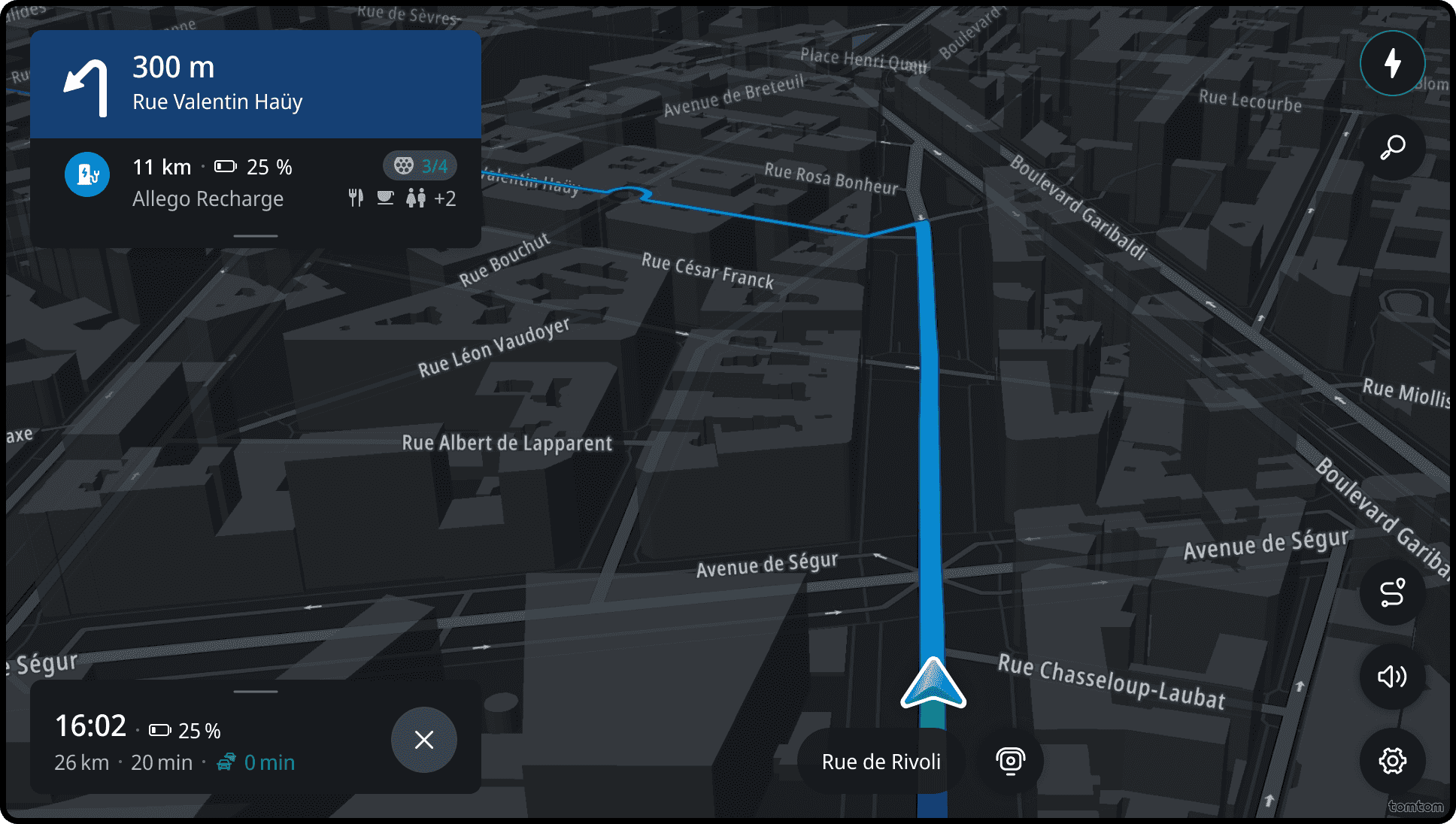
Once a destination is selected and a route is confirmed, the user gets guidance to the destination.
Guided driving
The Guidance view provides users detailed guidance instructions (both visually and verbally) together with visualized route paths on the map. The map view automatically adjusts to show the most optimal route and next maneuver view.
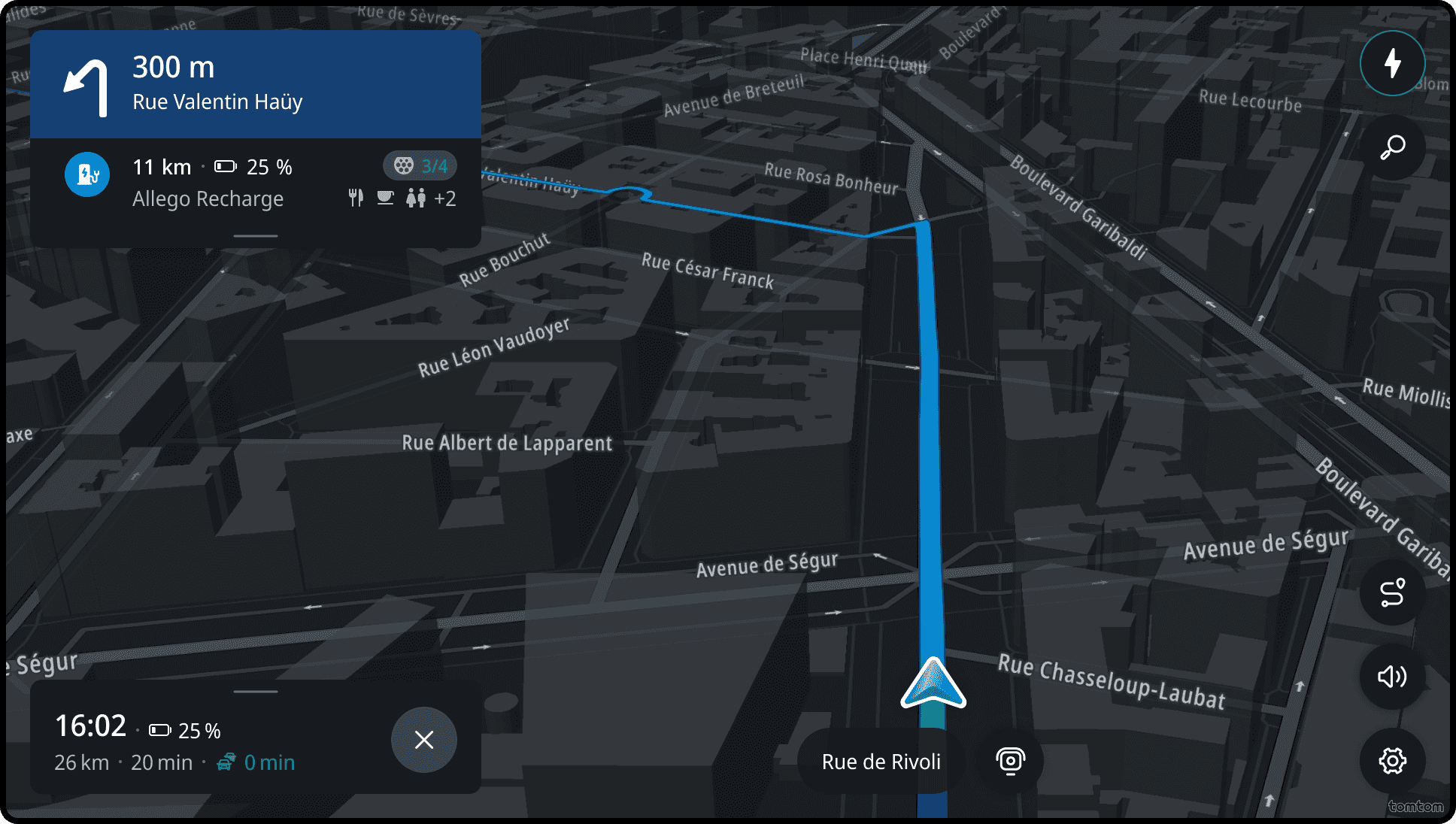
Departure instruction
Unlike standard instructions that guide through specific maneuvers (turns, exits), departure instruction orients the driver at session start. It does not direct a maneuver — it confirms to driver that navigation session has begun.
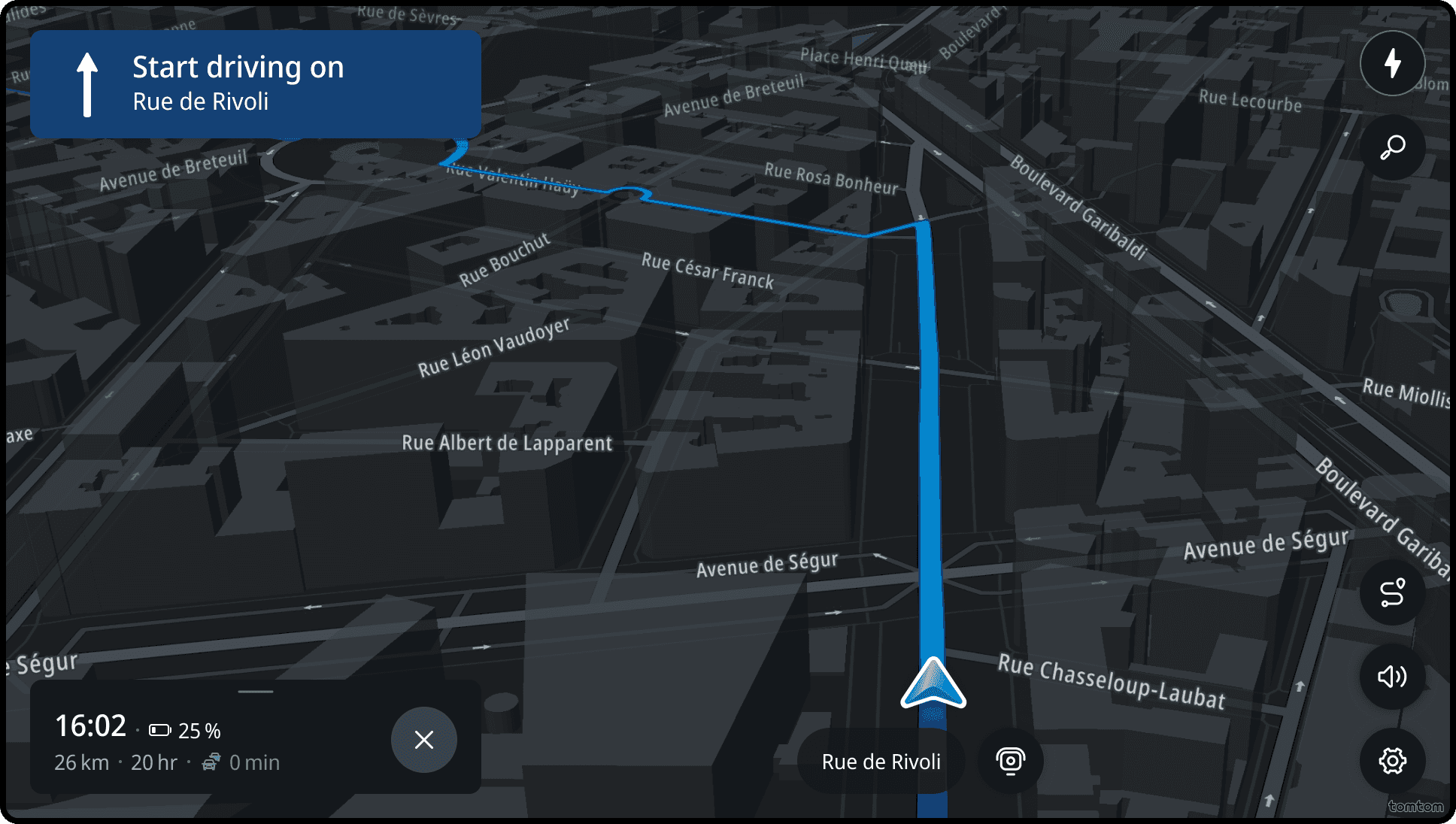
Main instruction
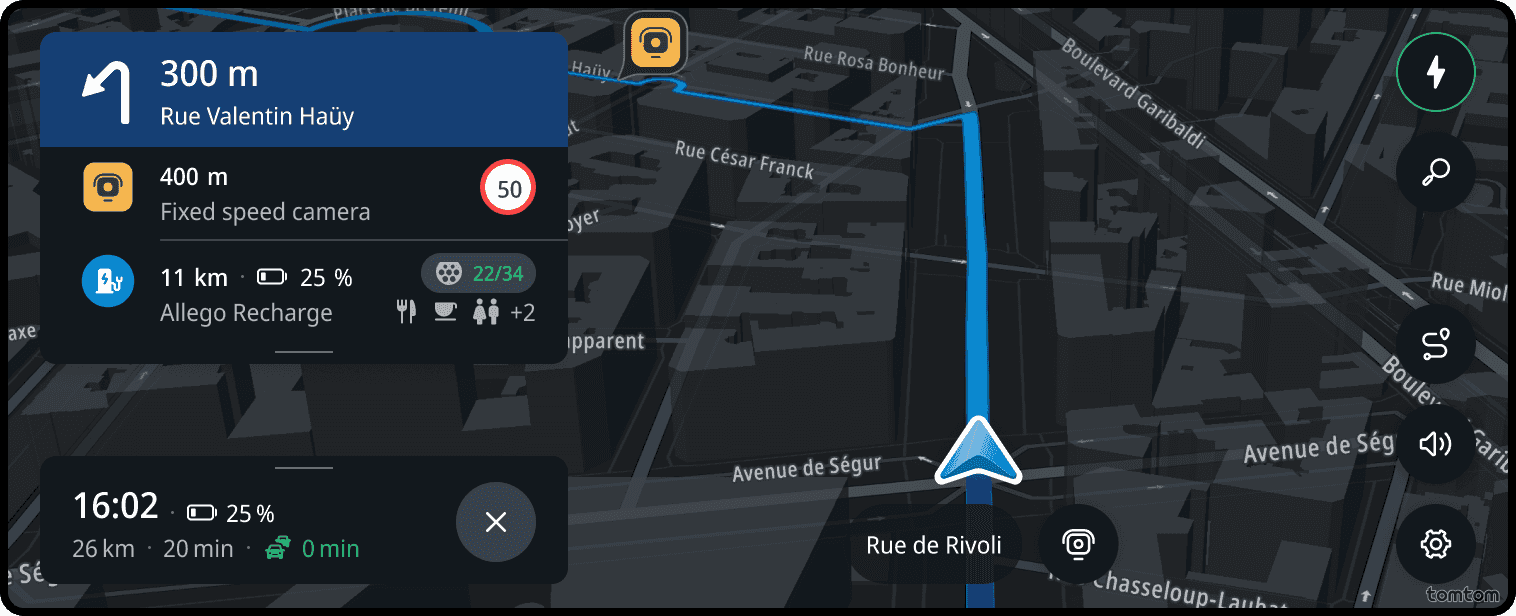
The main instruction in the guidance provides essential information about the upcoming maneuver. It includes an icon with a schematic representation of the maneuver, the distance to the maneuver, and additional information like the name of the street.
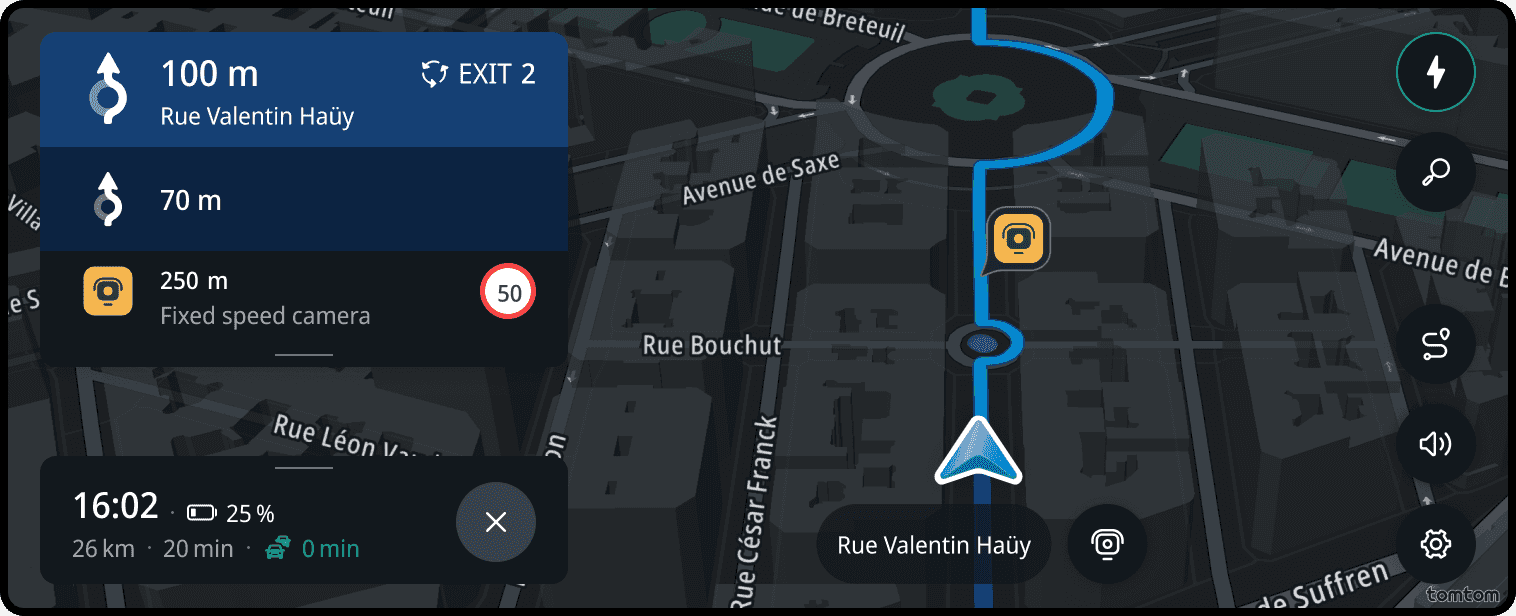
If the route goes through a roundabout, the next instruction icon will include a schematic representation of the exit road.
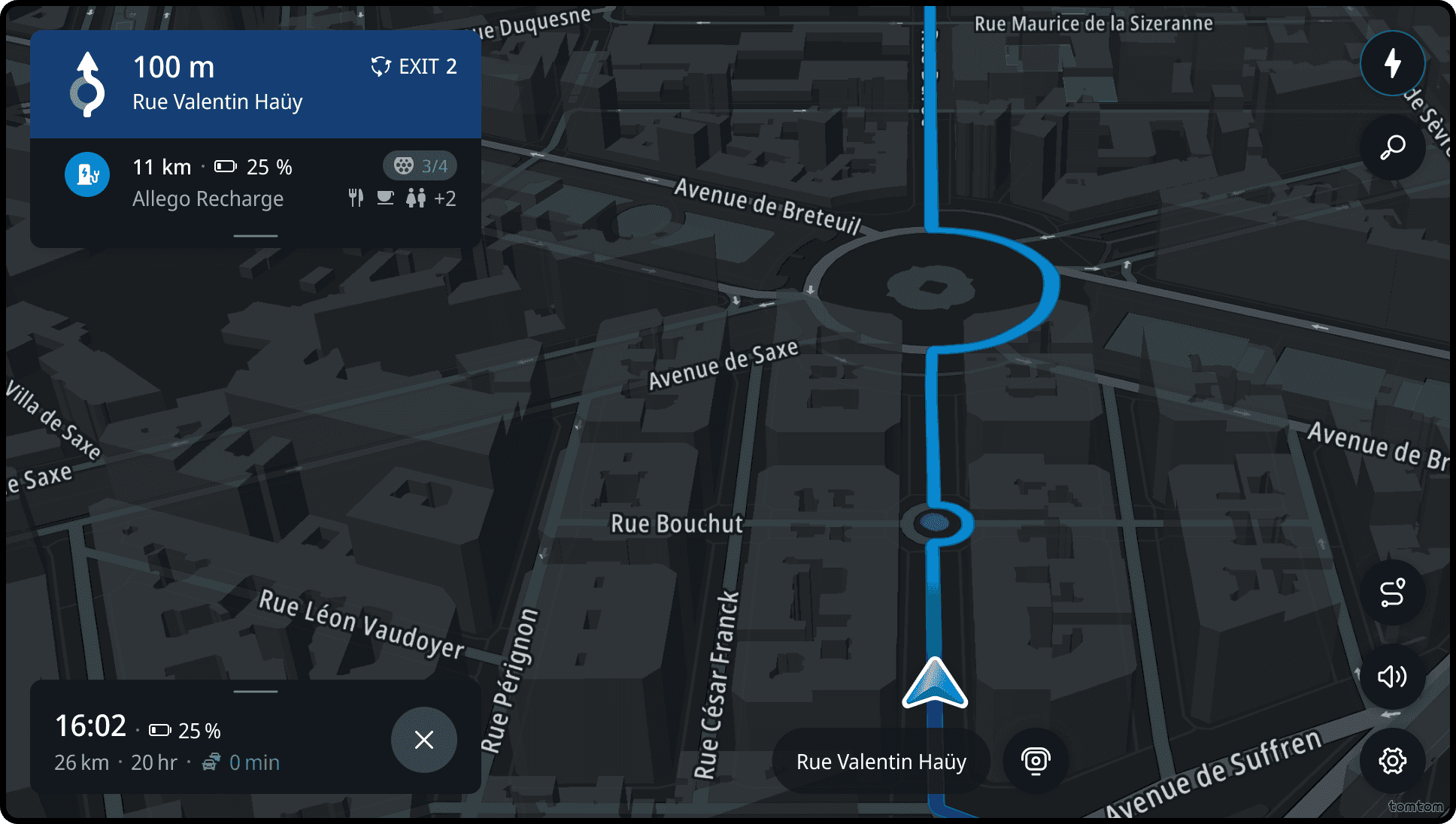
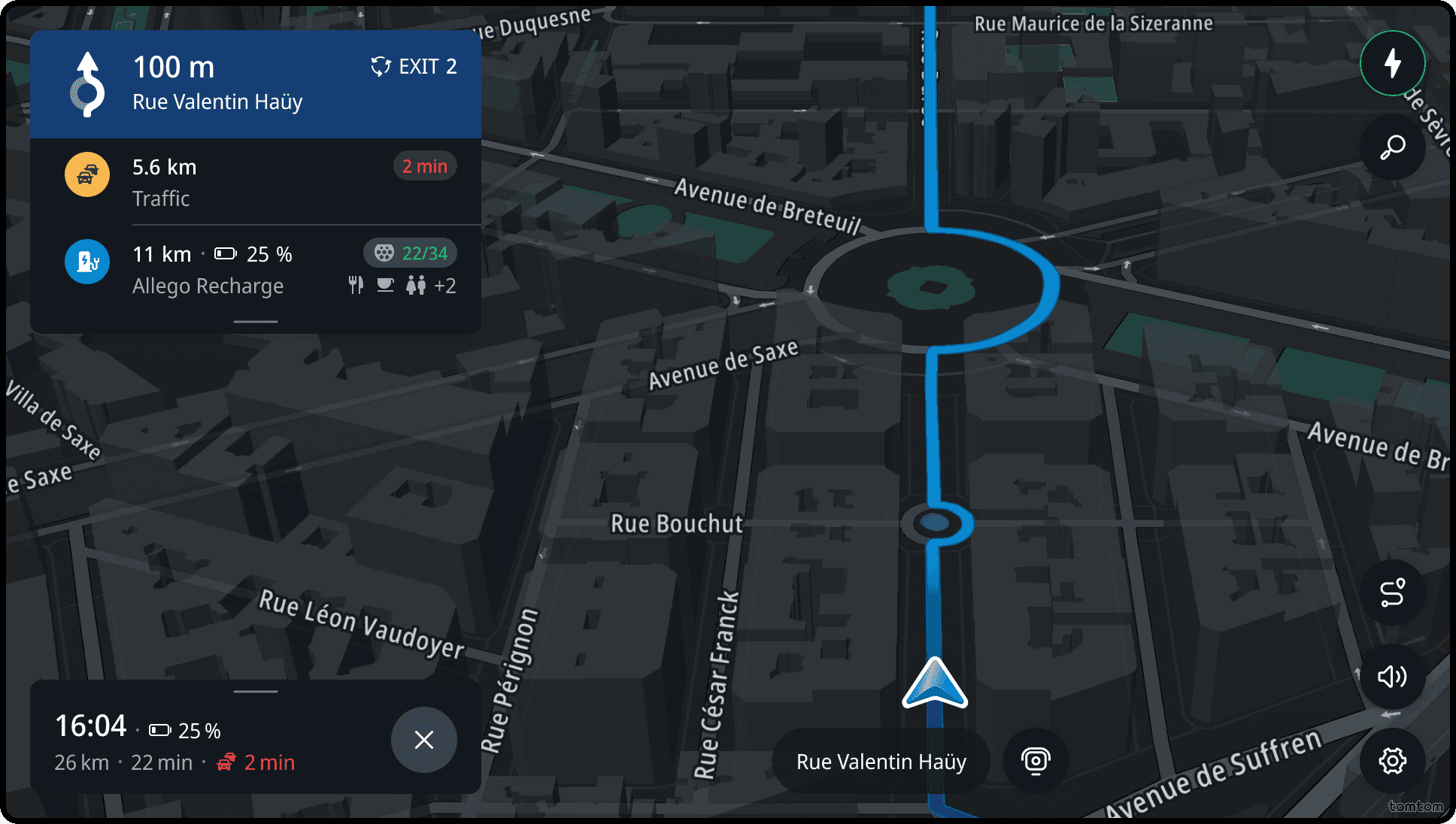
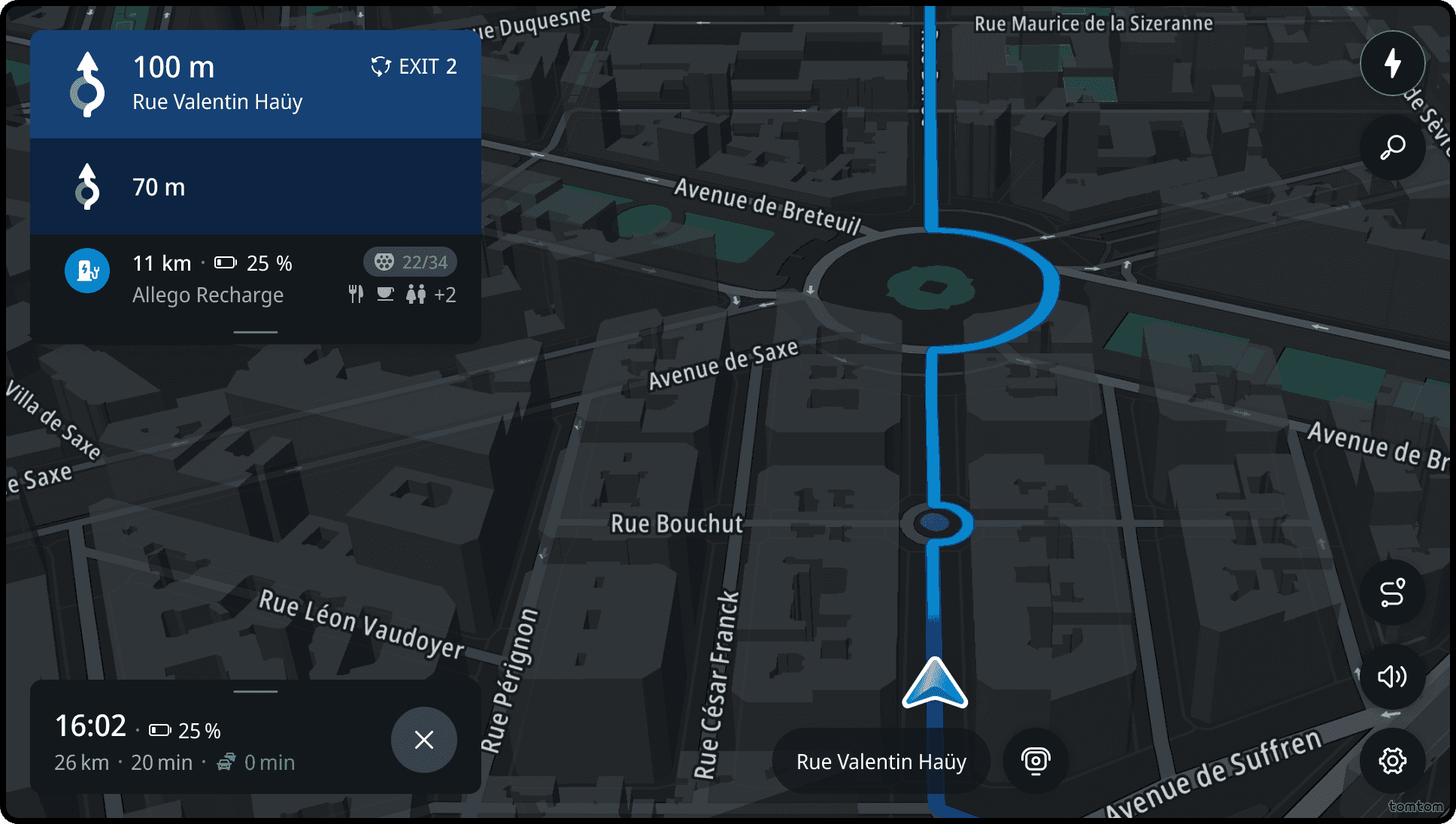
Chain instruction
If multiple maneuvers are close together on the route, the guidance will provide an additional instruction for the consecutive maneuver. This helps the driver prepare for the second maneuver immediately after completing the first one.
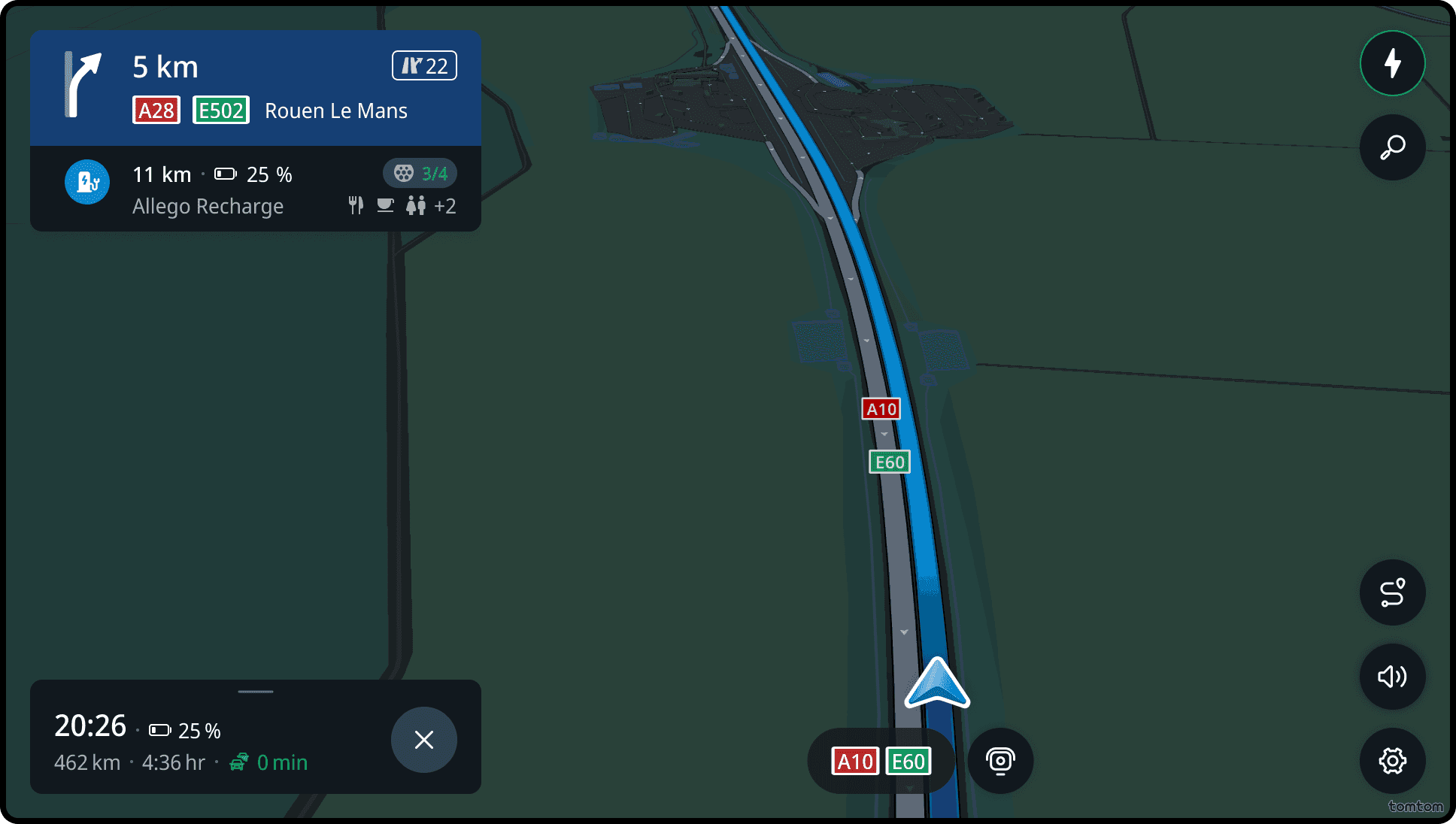
Guidance on highway
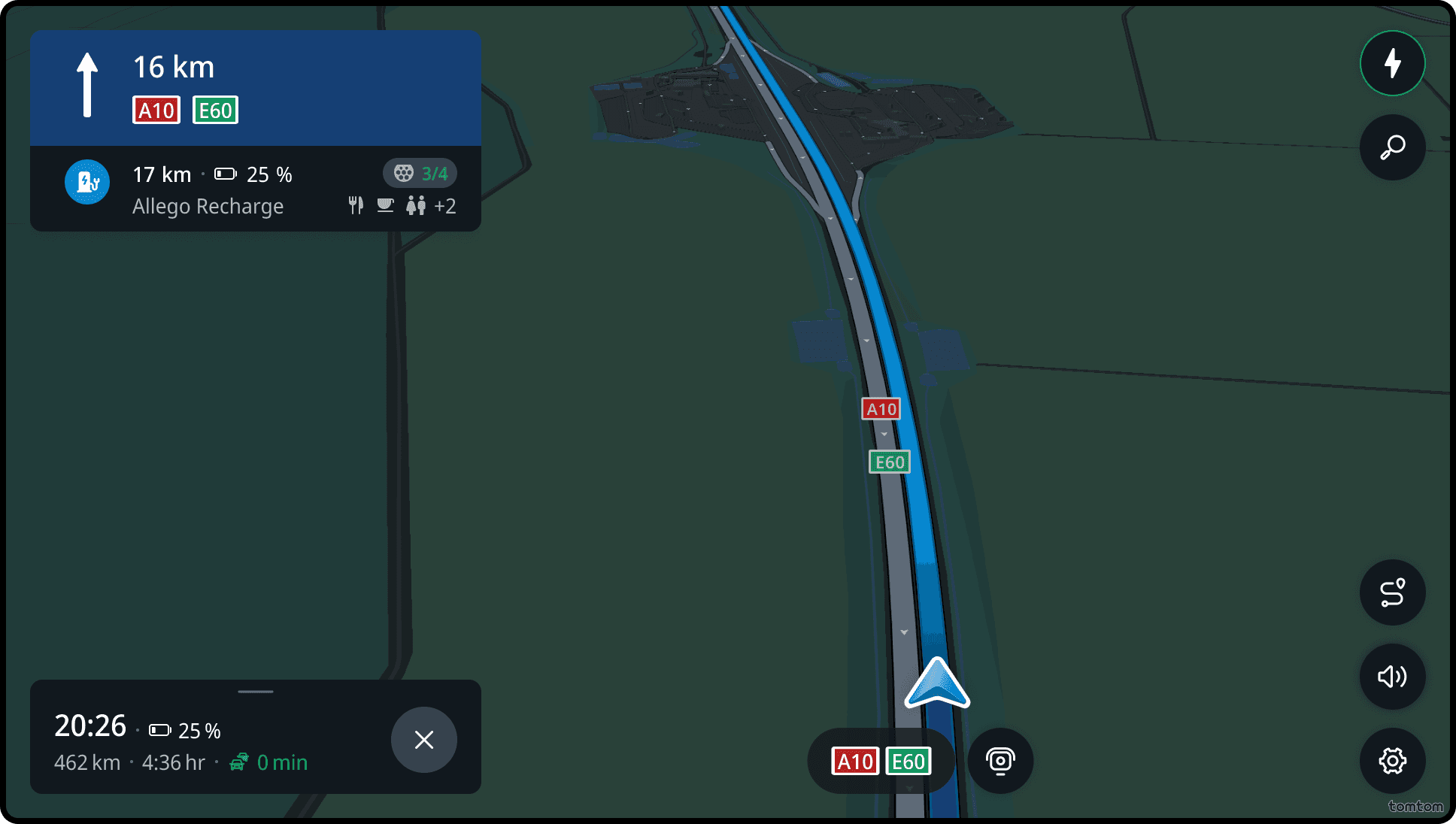
When the route goes through a highway, the guidance provides additional information that the driver can see on the signposts. This information includes road numbers, the city names the driver will be heading towards, and highway exit numbers.
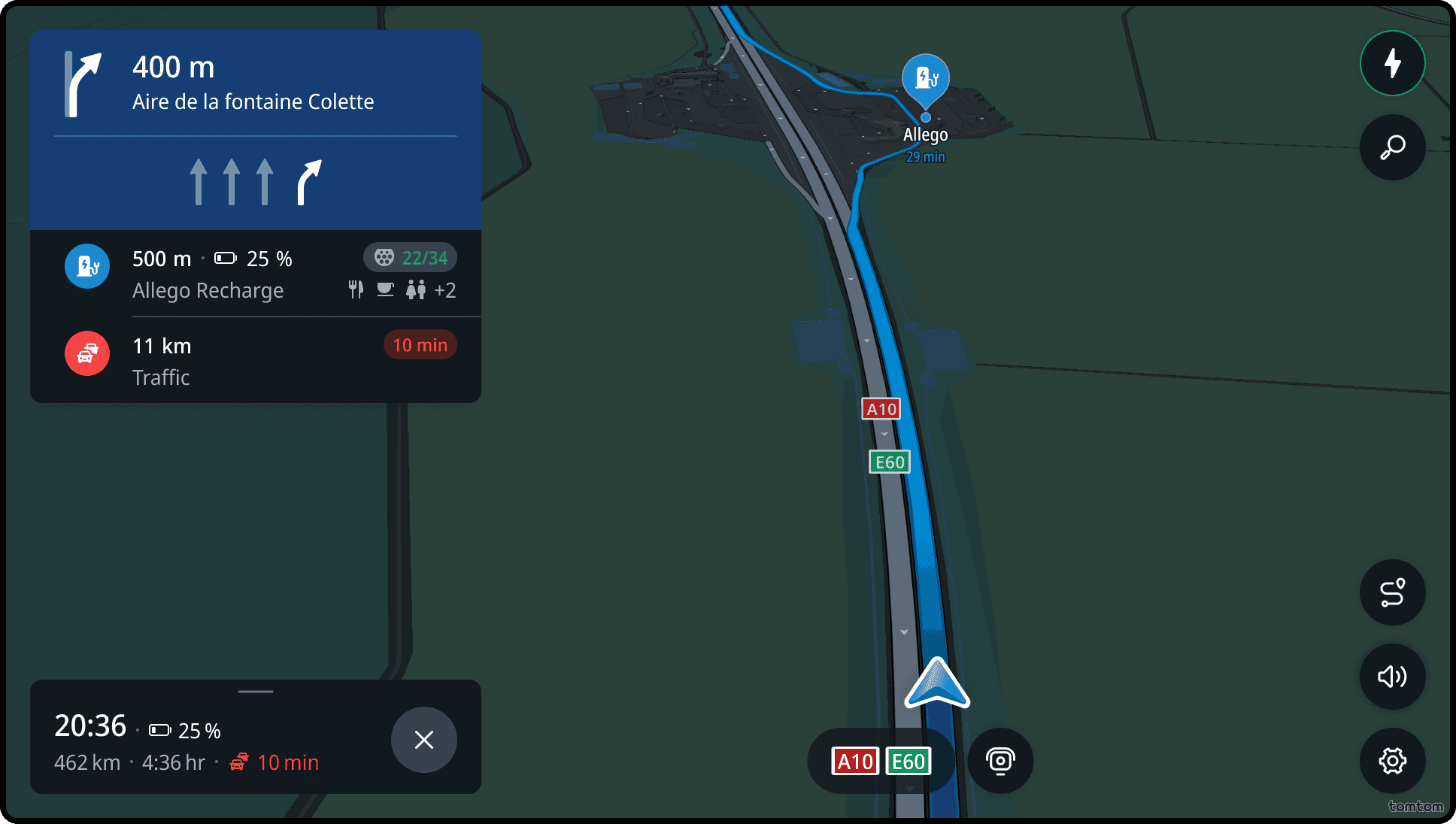
Lane guidance
If the road at the maneuver point has multiple lanes and the position of the car may impact the maneuver, the guidance provides a lane visualization. This visualization highlights the lanes the driver needs to take to complete the upcoming maneuver.
Guidance prioritization
Guidance information has the highest priority. If the available screen space does not allow for both guidance and upcoming event information, the guidance will be prioritized. For example, if there are two upcoming events and the driver is approaching a consecutive maneuver, the further upcoming event will be temporarily hidden to show the consecutive maneuver.
Follow the road
When entering a long uninterrupted road stretch, the guidance provides the Follow the road instructions. This reassures the driver that no action is needed, which helps reduce navigation anxiety and allows for cognitive rest.
HOV lane guidance
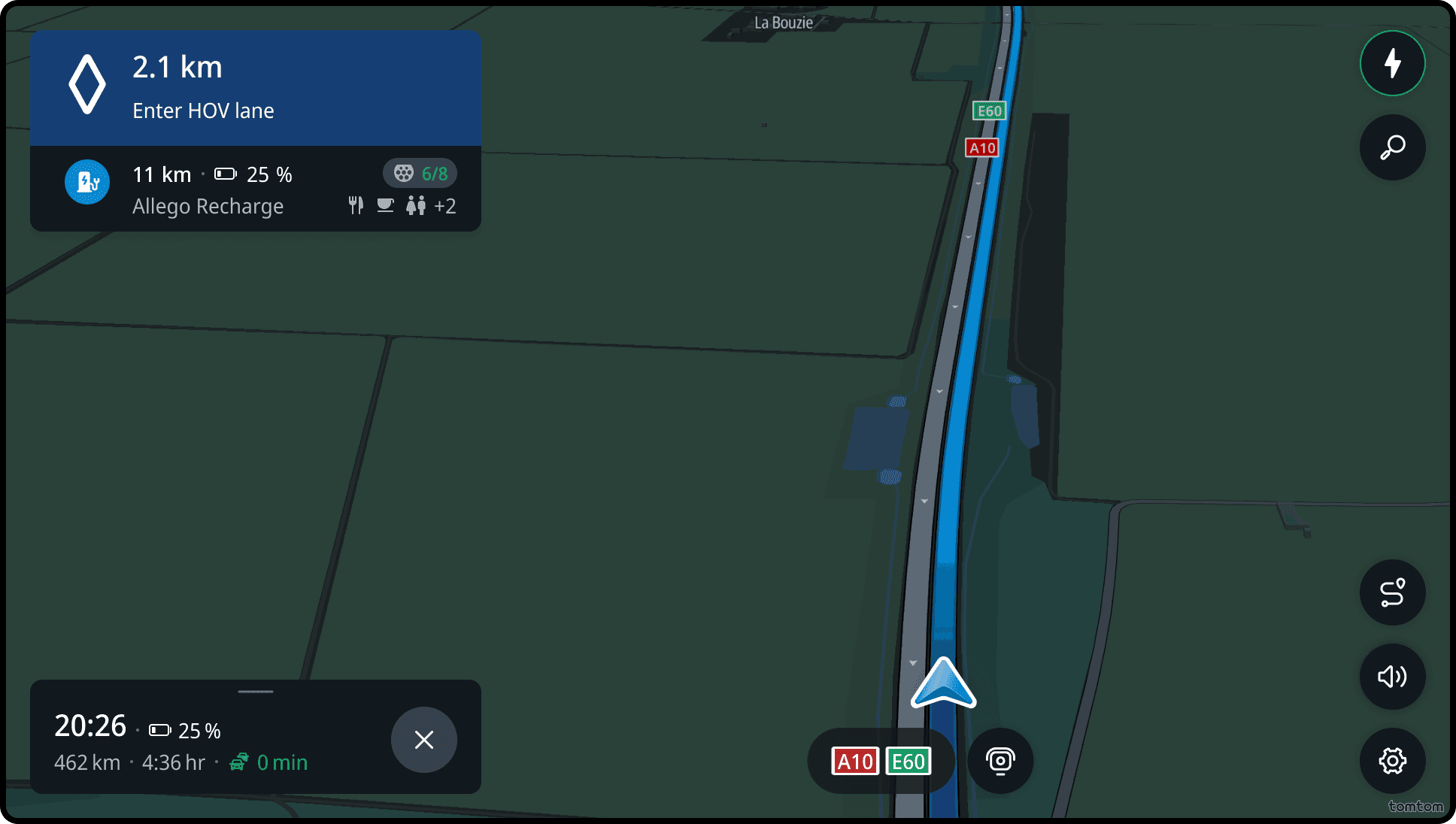
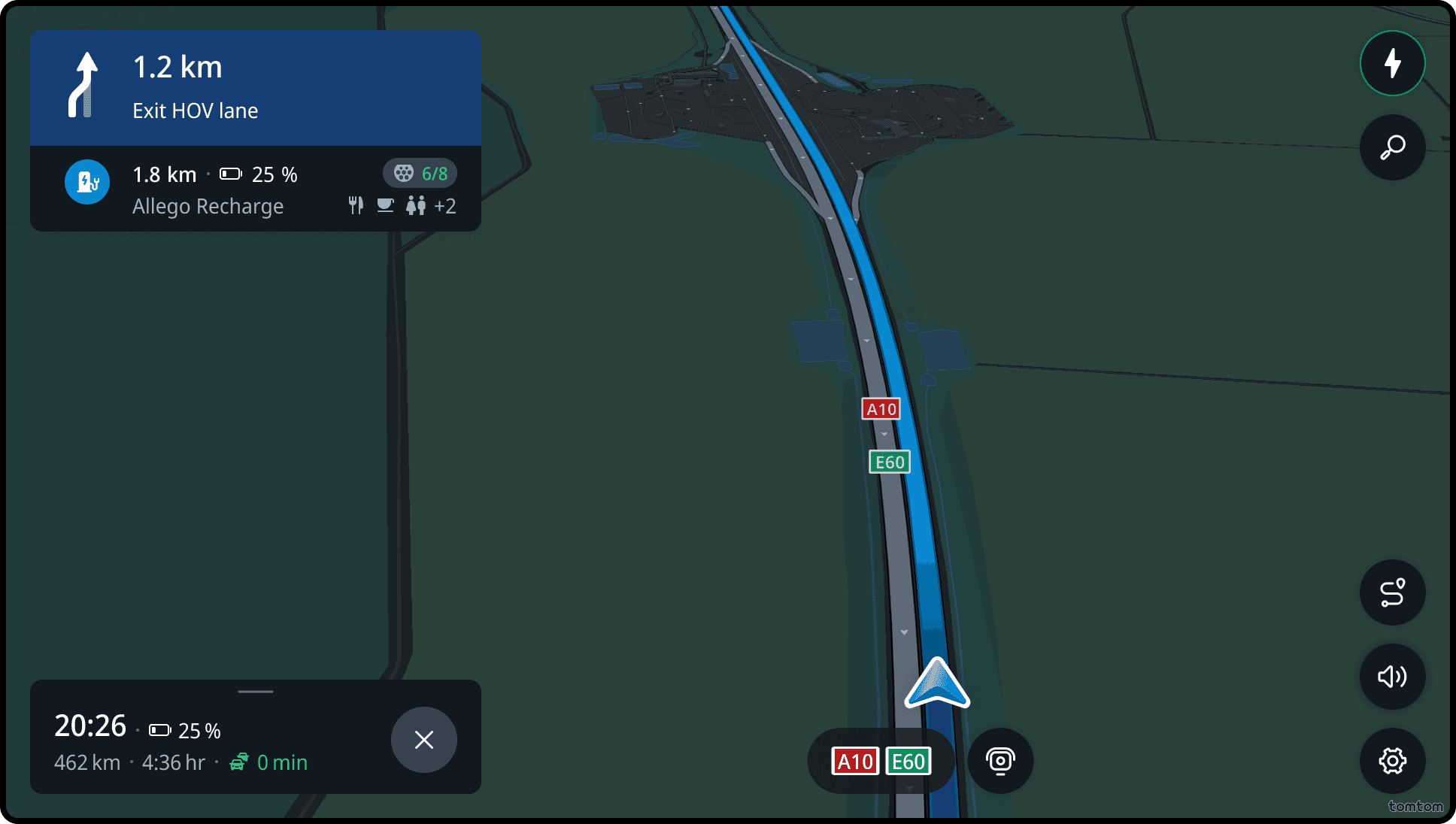
When the route goes through a highway, the guidance provides information of High Occupancy Vehicle (HOV) lanes -- also known as carpool lanes or diamond lanes. Both the entry and exit point of HOV lanes are announced.
Current street
Current street is the information that shows the name of the street and road number where the driver is located. It is also available when driving without a route.