Additional options and API delivery
Opening an accepted report from the My reports list takes you straight to its results.
A version 2 Flow Matrix report offers two visualizations of the same data, Matrix and Flows Explorer, and you switch between them inside the results page. A Selected Link report has its own results page instead. The configuration the report was calculated with, including its date and time ranges, is available from the results in a report configuration panel rather than on a separate landing screen.
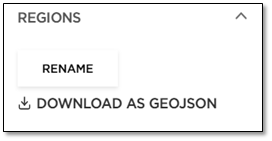
Click Regions to download the regions of a processed analysis in GeoJSON format. This allows you to reuse them when creating a new report. You can also Rename regions after an analysis is processed.
API delivery - Developer Portal
To request API access, please visit https://developer.tomtom.com/od-analysis/documentation/v2/product-information/introduction .
Web app delivery - TomTom Move
To request web application access, please visit https://move.tomtom.com/login.