My reports
This section is the main view of the TomTom O/D Analysis application. It contains a list of all your available reports, their statuses, their creation dates and the duration it took to calculate them.
The list is split into three tabs, each with its own counter:
- Reports holds every report you ordered, in both version 1 and version 2.
- Drafts holds the configurations you saved with Save as draft while creating a report but have not ordered yet.
- Archived holds the reports you removed from the main list. They are not deleted and can be brought back with Restore.
Two read-only demo reports are also shown at the end of the list so you can explore version 2 results before ordering a report of your own.
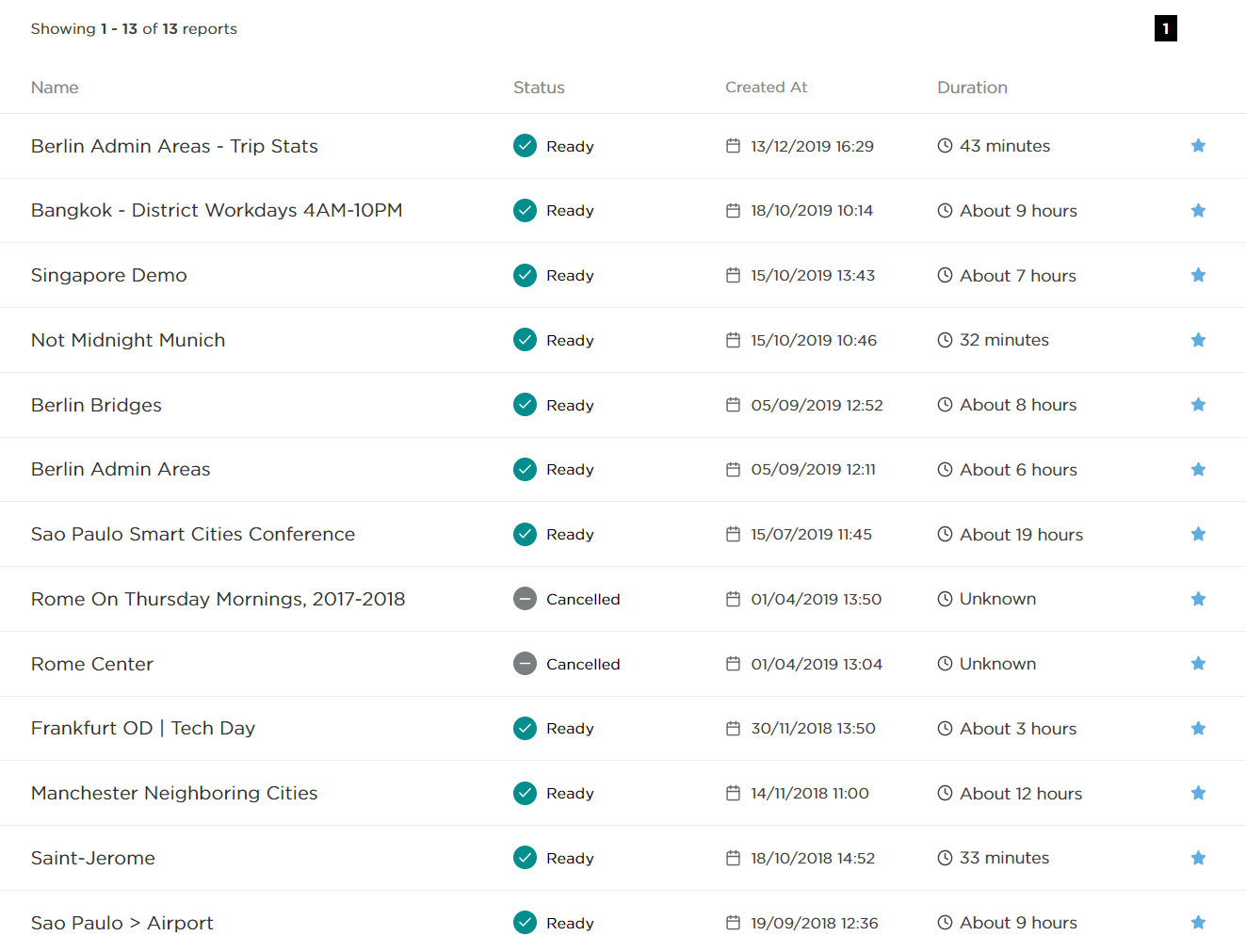
Finding a report
Above the list there is a row of filters:
- a search field that matches the report name,
- a status filter that narrows the list to the statuses you tick,
- a Type switch between All, Origin/Destination and Selected Link,
- an All / Favorite switch that hides everything you have not starred.
When any filter is active, a Clear all filters button appears next to them and resets the whole row.

Report actions
Hover over a report to reveal its action buttons on the right. On narrow screens they are collapsed behind a single menu button.
- Clone starts a new report from the settings of this one.
- Favorite stars the report so the Favorite filter picks it up.
- Share creates a link that gives access to the results.
- Archive moves the report to the Archived tab, and Restore brings it back from there.
- Cancel appears only while the report is queued or running and aborts the calculation.

Statuses
Below, you can see all the statuses available in the My reports section, which are further explained in the next section of the user guide. The status badges are the same in version 1 and version 2, so a report of either version is read the same way.




Sharing results
It is also possible to share your analysis results by creating a shareable link.

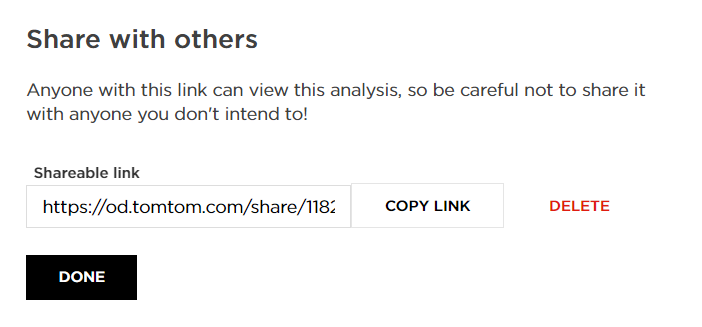
Note: Using the Delete button will expire the link, and the results will no longer be accessible.