Introducing MyTomTom
What is MyTomTom
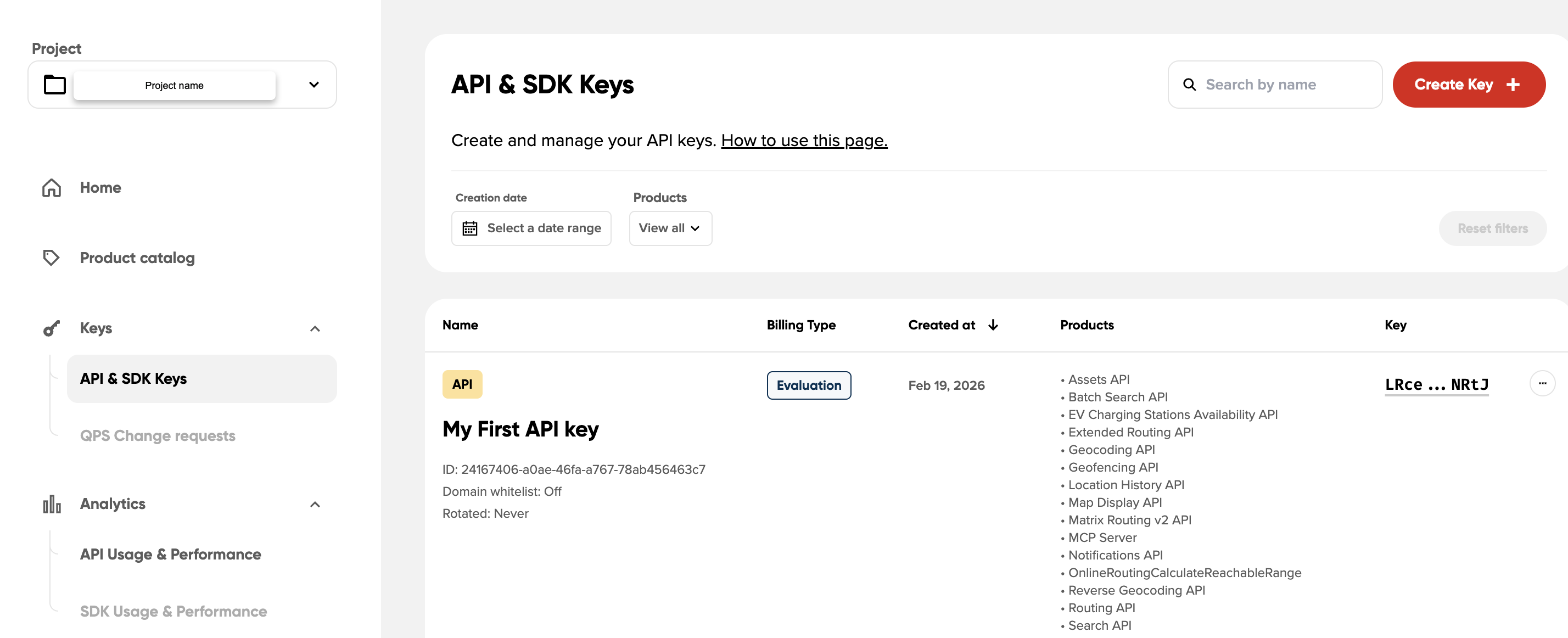
MyTomTom is a one-stop solution for evaluating, building and managing TomTom products.
TomTom is enhancing the tools available for managing TomTom services and monitoring their usage. MyTomTom provides a centralized place where customers can access their services, manage integrations, and monitor usage.
The platform brings together several capabilities, including:
- API and SDK key management
- Analytics and usage metrics
- Project and user management
- Access to TomTom products and services
MyTomTom continues to evolve as new tools and capabilities are added.
Who MyTomTom is for
MyTomTom is primarily designed for customers using TomTom APIs and SDKs. MyTomTom also offers tools for other customers and acts as a single entry point into the TomTom ecosystem. Different accounts types (Freemium, Pay As You Grow and Contracted) have access to different tools and capabilities inside MyTomTom
It supports teams that:
- Build applications using TomTom APIs or SDKs
- Manage API keys and integrations
- Monitor service usage and analytics
- Collaborate within organizations that use TomTom products
MyTomTom enables better collaboration by introducing clearer project and user management.
MyTomTom as an entry point to TomTom tools
MyTomTom acts as a central entry point to TomTom tools and services.
From MyTomTom, customers can access different tools depending on their enabled products and agreements. These tools may include:
- API and SDK management
- Analytics and metrics dashboards
- Support resources
- Tools such as MapMaker
- Other product-specific tools (such as Map Feedback Hub, GEM and more)
This unified access simplifies how teams manage their TomTom integrations.
Projects in MyTomTom
MyTomTom is based on a project structure.
A project represents an agreement or parts of products you have access to. Projects help structure user and usage, and aim at following your organization.
Each project defines how your team accesses and uses TomTom products and services. Within a project:
- A set of users is assigned and managed through User management.
- A set of products or services is available, which can be viewed under Available products in the project settings (⚙️).
- Usage data is tracked and separated for each project.
Projects help organize access to services and resources.
Managing project access
Projects also help you manage access.
Next to the project name you will see a cog wheel icon (⚙️) which provides access to:
- User management
- Available products within the project
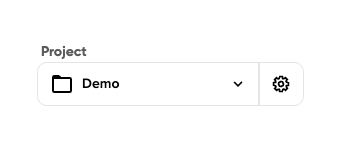
This allows administrators to control who can access the project and which services are available.
Changing projects
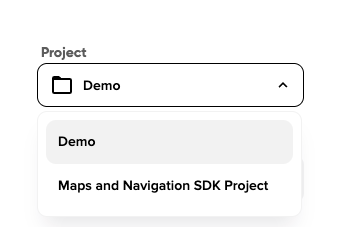
If you have access to multiple projects, you can switch between them using the project selector in the MyTomTom interface.
- Open the project selector.
- Choose the project you want to work with.
- The platform updates the available tools and resources based on the selected project.
Getting support
If you face any issues, you can reach out through the TomTom Help Center. Support is available through the Help Center on https://support.tomtom.com.
Learn more about MyTomTom
See the following pages to learn more about working with MyTomTom: